Action Plan Template for Goals and Accountability
Use this practical action plan structure to define goals, assign owners, set deadlines, manage risks, and report progress.
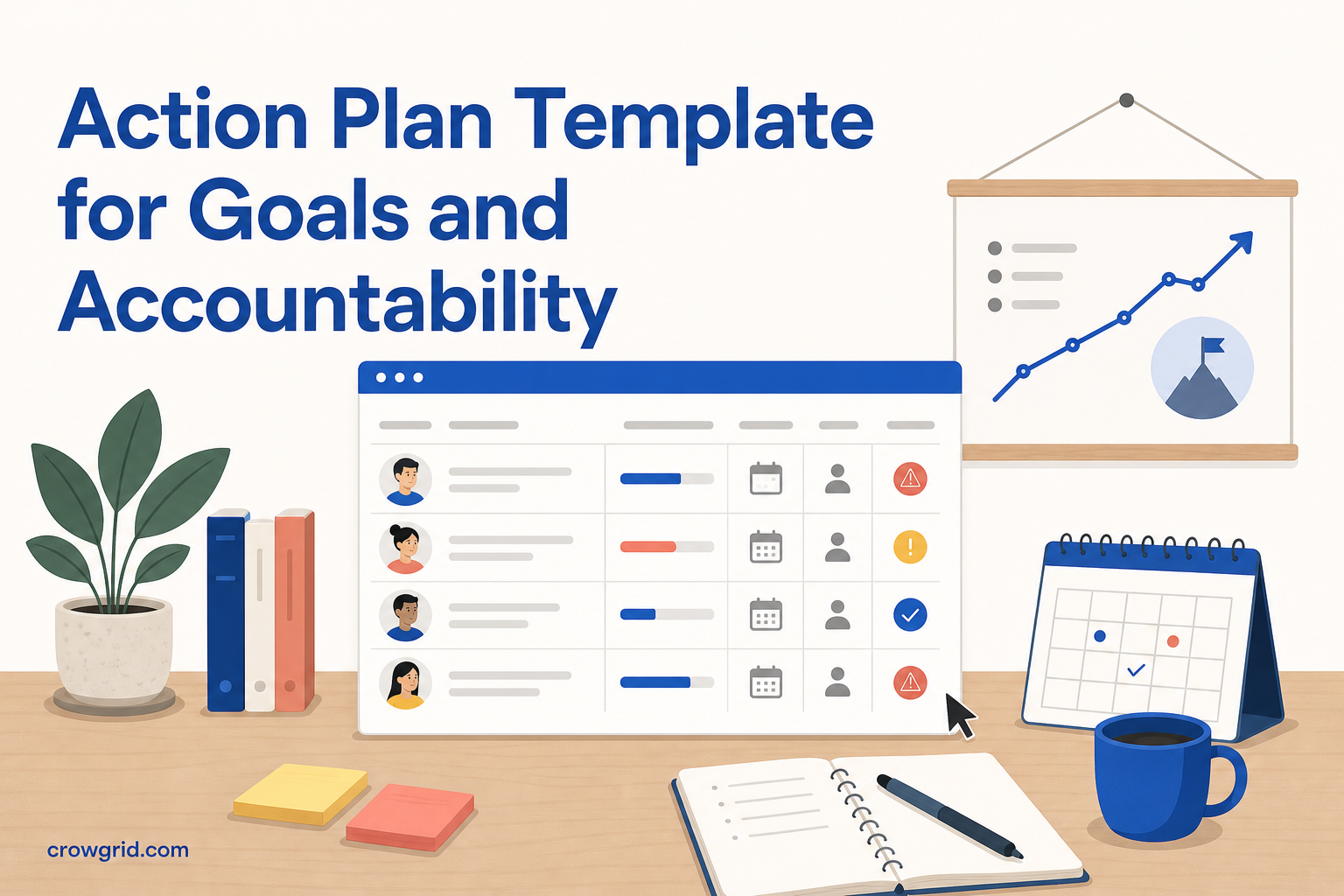
A useful action plan connects a specific goal to the work required to achieve it. It shows who owns each action, when it is due, what could get in the way, and how far the work has progressed.
This guide gives you a reusable structure for creating and reviewing an action plan with Action Plan Maker.
What to include in an action plan
A practical action plan should answer a small set of questions without requiring people to search through a large project document.
Include these elements:
- Plan: The broader initiative or area of work.
- Goal: The result you want to achieve.
- Success criteria: The conditions that will show the goal is complete.
- Actions: The concrete steps required to reach the goal.
- Owners: The people responsible for completing each action.
- Priorities: The relative importance of the actions.
- Due dates: The deadlines for each action.
- Risks: The issues that could delay or prevent completion.
- Progress: The current status and completion percentage.
Action Plan Maker organizes work into plans, goals, and actions. This hierarchy keeps the goal visible while giving you enough detail to assign and track the work.
1. Define the goal
Start by writing a clear goal and describing what success looks like. A goal such as “Improve onboarding” leaves too much room for interpretation. A more useful goal identifies the intended result and gives the team a shared basis for deciding whether the work is complete.
Before adding actions, ask:
- What result are you trying to produce?
- Who will benefit from the result?
- What evidence will show that the goal has been achieved?
- Are there important limits or expectations to clarify?
Give the goal a short, recognizable name. Keep the success criteria specific enough to guide decisions, but do not turn the goal itself into a long task list. The actions will hold the individual steps.
2. Add actions, owners, priorities, and deadlines
Break the goal into concrete actions. Each action should describe a piece of work that someone can own and complete.
Use direct wording that starts with an action, such as “Draft the onboarding checklist” or “Review the proposed process with support.” Avoid vague entries such as “Onboarding work” because they do not make the expected result clear.
For every action, set:
- An owner: One responsible person makes accountability clear, even if several people contribute.
- A priority: This helps the team distinguish critical work from work that can wait.
- A due date: A deadline makes sequencing and follow-up easier.
Keep actions small enough to track. If an action will take several stages or has different owners, divide it into separate actions. This makes progress percentages more meaningful and helps you see where work has stopped.
Note risks and turn responses into actions
Risks belong in the planning conversation because they affect deadlines, ownership, and priorities. You do not need an elaborate scoring system for every plan. Start with a short review of what could prevent the goal from being completed.
For each important risk, consider:
- What might happen?
- How would it affect the goal or due date?
- Who should watch for it?
- What can you do now to reduce its likelihood or impact?
Turn each agreed response into a concrete action. For example, if delayed approval is a risk, add an action to schedule the approval review, assign an owner, and set a due date. This approach keeps risk management connected to work that can be tracked rather than leaving it as a passive list.
Review risks when priorities, deadlines, or assumptions change.
3. Track and review progress
Update actions as work moves forward. Action Plan Maker shows completion status and progress percentages across actions and goals, with charts that help you see progress at a glance.
A short weekly review is usually more useful than waiting for a major reporting deadline. During the review:
- Update completed and in-progress actions.
- Check actions that are overdue or approaching their due dates.
- Confirm that each open action still has the right owner.
- Revisit risks and add mitigation actions where needed.
- Adjust priorities when circumstances change.
The dashboard gives you a current view of where the plan stands. Because the app works on desktop, tablet, and mobile, you can review or update the plan from the device available to you.
Report progress to stakeholders
Stakeholders usually need a concise summary rather than every operational detail. Build your update around the goal, overall progress, completed work, upcoming actions, and current risks.
A simple progress report can include:
- The goal and its success criteria
- Current completion percentage
- Important actions completed since the last review
- The next actions and their owners
- Deadlines that have changed
- Risks requiring attention or a decision
Pro includes PDF and PNG dashboard exports as well as PDF goal reports. These options let you share a fixed report while continuing to maintain the working plan in the app.
Keep the plan usable
An action plan should stay focused on execution. Remove actions that are no longer relevant, split work that has become too broad, and update ownership when responsibilities change.
The simple hierarchy of plans, goals, and actions helps you avoid the clutter of a complex project tool. The aim is not to document every conversation. It is to keep the intended result, responsible people, deadlines, risks, and current progress visible.
Frequently asked questions
Can I try Action Plan Maker without signing in?
Yes. Choose “Open App” to start as a guest with either a blank plan or sample data. Guest data is temporary and is cleared when you sign in.
How many action plans can I create for free?
Free includes up to three action plans, with up to 25 goals in each plan. Pro removes the plan and goal limits.
What reporting options are included with Pro?
Pro lets you export dashboards as PDF or PNG and create PDF goal reports. Pro costs $9.95 per month or $99.50 per year.
Create a goal, assign the next actions, and start tracking progress with Action Plan Maker.