How the Sales Pipeline Tracker Works
Learn how to organize deals by stage, review expected revenue, and find opportunities that need attention.
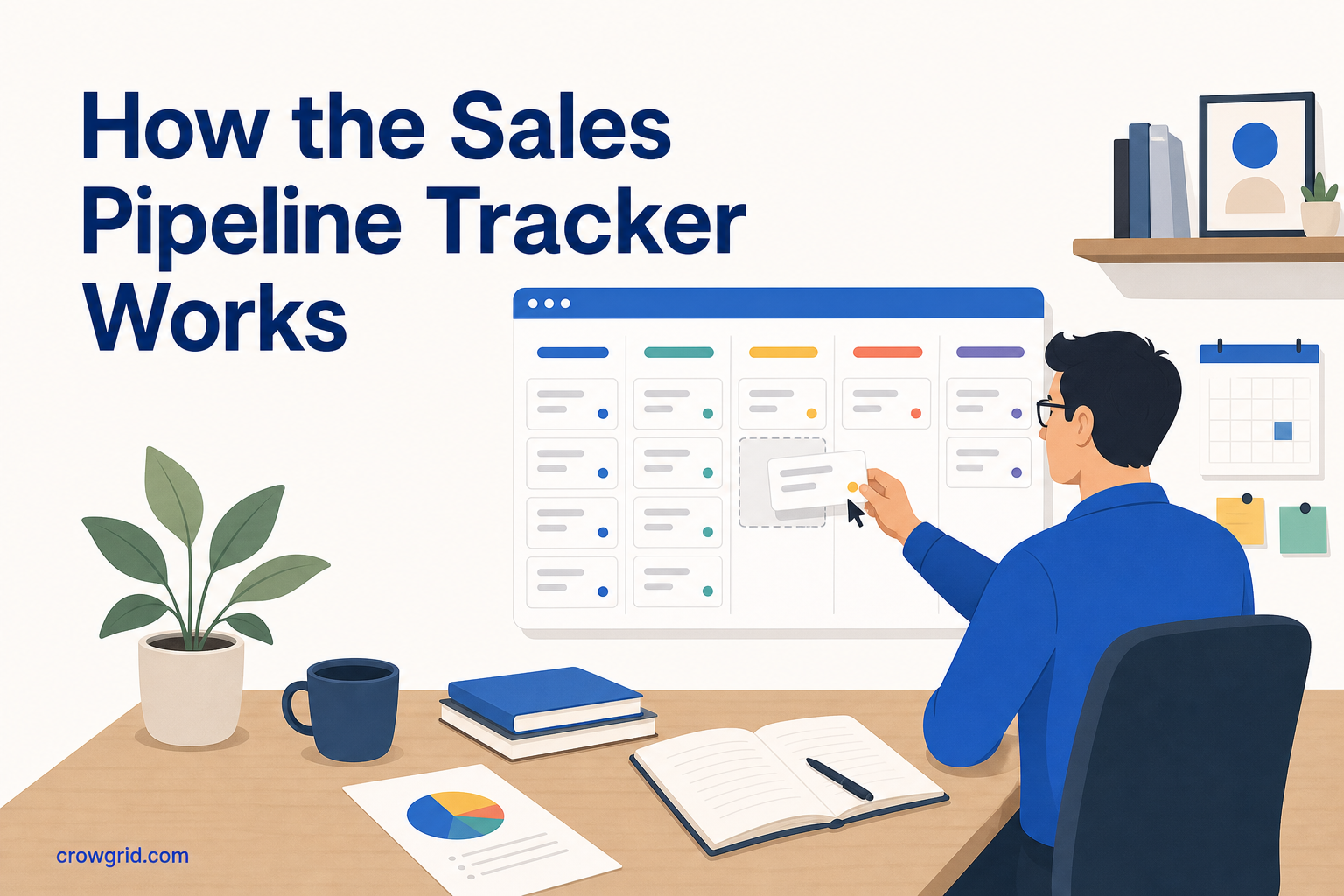
A sales pipeline is useful when it answers three questions quickly: What deals are open, how much could they be worth, and what should you follow up on next? Sales Pipeline Tracker keeps those answers on a visual board, with deal details and revenue metrics available when you need them.
The tool is intentionally simpler than a full CRM. You can define your process, add opportunities, move them forward, and review performance without managing a larger CRM system.
1. Define your pipeline stages
Start by setting up the stages a deal passes through. A typical pipeline might use Lead, Contacted, Proposal, Negotiation, Won, and Lost. You can add, rename, or reorder stages to reflect how you actually sell.
Your stages should describe meaningful changes in a deal. For example, moving an opportunity from Contacted to Proposal should tell you that a proposal has been prepared or sent. Clear definitions make the board easier to read and help you avoid moving deals based on guesswork.
Try to keep the pipeline specific enough to be useful without creating a stage for every small task. A practical starting point is:
- Lead: You have identified a possible opportunity.
- Contacted: Initial contact has been made.
- Proposal: You have shared a proposed scope or offer.
- Negotiation: You are discussing terms or final details.
- Won: The deal has closed successfully.
- Lost: The opportunity will not move forward.
You are not locked into this structure. As your sales process changes, you can rename stages, add new ones, or reorder the pipeline.
2. Add deals and their key details
Once the stages are ready, add each active opportunity as a deal. Assign it to its current stage rather than starting every deal at the beginning. This gives you an accurate view of the pipeline from the first day you use it.
For each deal, you can store contact information, an estimated value, an expected close date, and notes. Keeping these details together makes it easier to understand an opportunity without searching through separate lists.
The value and close date are particularly important for forecasting. The value shows the potential size of the opportunity, while the expected close date gives you a working estimate of when it could close. These estimates can change, so update them when you learn something new.
Notes can hold the context you need for your next conversation. Keep them practical: what the contact needs, what was discussed, and what needs to happen before the deal can move to the next stage.
You can access the pipeline from desktop, tablet, or mobile. Deals sync automatically across your devices, so updates remain available when you switch devices.
3. Track progress and close deals
The Kanban-style board shows your deals grouped by stage. Drag and drop a deal when its status changes, such as moving it from Proposal to Negotiation. This updates the pipeline and keeps the board aligned with current sales activity.
A visual board makes the distribution of work easier to understand. You can see whether deals are clustered near the start, moving toward a decision, or reaching Won and Lost. You can also filter deals by stage, value, or date when you need a narrower view.
As opportunities progress, review their details rather than relying only on their board position. Check whether the expected close date is still realistic, whether the estimated value has changed, and whether the notes explain the next step.
When a deal is complete, move it to Won or Lost. Recording both outcomes matters because the dashboard uses your pipeline activity to show metrics such as deals won, closed revenue, and conversion rates.
The dashboard also shows total pipeline value and a stage-by-stage breakdown. Together, the board and dashboard give you both an operational view of individual deals and a broader view of sales performance.
Use deal values to forecast revenue
Forecasting starts with the information attached to each opportunity. Sales Pipeline Tracker combines deal values, expected close dates, stages, and revenue metrics so you can review what may close and when.
Total pipeline value shows the combined value of open opportunities. It is useful for understanding the size of the pipeline, but it is not the same as guaranteed revenue. A deal in Lead is less advanced than one in Negotiation, even if both have the same value.
Review the stage-by-stage breakdown alongside expected close dates. This helps you separate early opportunities from deals that are closer to a decision. Closed revenue and deals won provide a view of completed results, while conversion rates help you understand how opportunities are progressing overall.
Keep the underlying deal records current. A forecast based on outdated values or close dates will be less useful than one based on recent information.
Find opportunities that need attention
A stuck deal is usually one that remains in the same stage while its expected close date approaches or passes. The tracker gives you several ways to look for these opportunities without opening every deal individually.
You can:
- Scan the board for deals that are not moving with the rest of the pipeline.
- Filter by stage to focus on one part of the sales process.
- Filter by date to review opportunities around their expected close dates.
- Filter by value to prioritize larger deals when your time is limited.
- Open deal notes to check the latest context and required next step.
The tool does not decide why a deal is stuck. Your notes and knowledge of the opportunity provide that context. The board makes the deal visible so you can decide whether to follow up, revise the expected close date, move it to another stage, or mark it Lost.
Keep the pipeline useful
A pipeline stays useful when it reflects reality. Set aside time to review open deals, correct values and dates, and move opportunities whose status has changed.
You do not need a complicated review process. Focus on a few checks:
- Is every active opportunity on the board?
- Is each deal in the correct stage?
- Are estimated values and close dates current?
- Do the notes explain what should happen next?
- Should any inactive opportunity be marked Lost?
Regular updates make the dashboard more reliable and reduce the chance that an opportunity is forgotten.
Frequently asked questions
Can I change the stages after setting up my pipeline?
Yes. You can add, rename, or reorder stages as your sales process changes. This lets you start with a simple structure and adjust it when you find that your team or sales process needs a different sequence.
Is Sales Pipeline Tracker a full CRM?
No. It focuses on deal tracking and pipeline visualization without the complexity of a full CRM. You can manage deal details, contact information, values, notes, expected close dates, stages, filters, and revenue metrics.
What happens when I reach 50 deals on the free plan?
You can continue to view and manage your existing deals. To add new deals beyond the 50-deal limit, you need to upgrade to Pro.
See the features and workflow on the Sales Pipeline Tracker landing page.