How to Identify Project Risks Before Kickoff
A practical process for documenting project risks, assigning owners, scoring exposure, and planning mitigation before work begins.
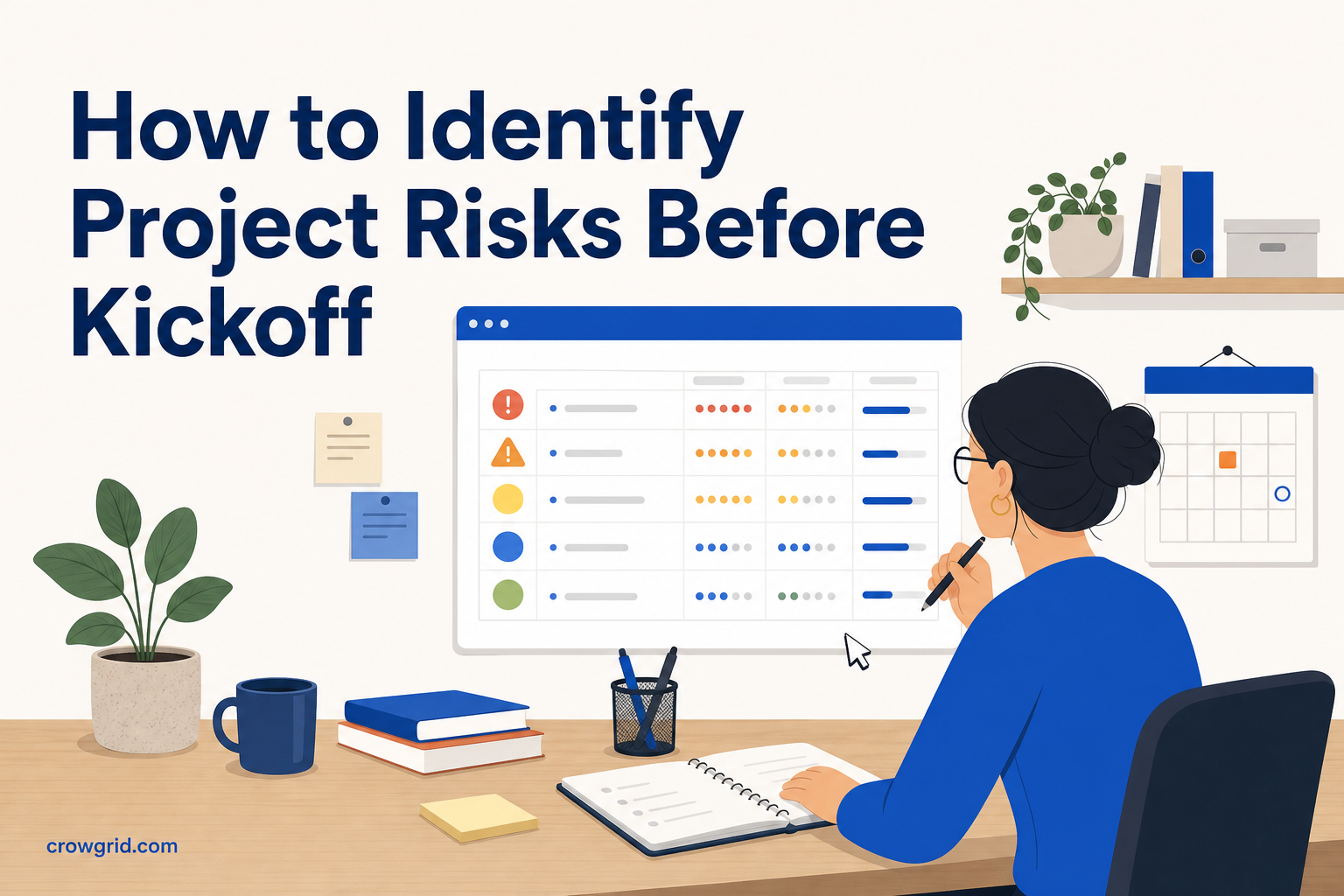
Project risks are easier to manage when you identify them before deadlines, dependencies, and budget pressures take over. A structured pre-kickoff review helps you record what could happen, why it might happen, and who should respond.
The goal is not to predict every problem. It is to give your team a shared view of uncertainty and a practical way to decide what needs attention first.
Start with the project plan, not a blank page
Risk identification works best when it is tied to how the project will actually run. Review the scope, schedule, budget, responsibilities, assumptions, dependencies, and expected outcomes.
Look for points where the plan depends on something uncertain. A deadline may rely on an external approval. A deliverable may require data that has not been checked. A key task may depend on one person being available.
Useful questions include:
- Which assumptions have not been confirmed?
- Which deadlines have little room for delay?
- Which tasks depend on suppliers, clients, or other teams?
- Where is ownership unclear?
- Which decisions are still open?
- What could affect cost, quality, compliance, or delivery?
- Which parts of the project have failed or changed before?
Speak with the people responsible for delivery, not only the project sponsor. Team members often see operational risks that are missing from a high-level plan.
Step 1: Add risks with enough context
Write each risk as a specific uncertain event. Avoid broad labels such as “schedule risk” or “supplier issue.” They do not explain what might happen or help an owner plan a response.
A useful structure is cause, event, and consequence:
Because of [cause], [event] may happen, resulting in [consequence].
For example: “Because the data format has not been confirmed, the migration may require additional mapping work, resulting in a delayed testing start.”
For every risk, capture the description, category, and owner. Record the likely causes, potential consequences, and existing controls as well. Existing controls matter because they show what is already being done and prevent the team from treating every risk as unmanaged.
Categories help you review related risks together. You might use operational, financial, strategic, or compliance categories, or create custom types that fit the project. Keep the category list useful rather than overly detailed.
Assign an owner who can monitor the risk and coordinate a response. The owner does not need to complete every mitigation action personally, but they should know when conditions change and when the risk needs to be escalated.
Enter these details in Risk Register while the planning discussion is still fresh. A complete entry gives reviewers enough context to understand the risk without reconstructing the original conversation.
Step 2: Assess likelihood and impact consistently
Once the risks are recorded, rate each one by likelihood and impact. Likelihood describes how probable the event is. Impact describes how severe the consequences would be if it occurred.
Agree on what the ratings mean before scoring. If one person treats a rating as “possible” and another treats the same rating as “almost certain,” the final priorities will be unreliable. The same applies to impact: the team should consider relevant effects such as delay, additional cost, reduced quality, or compliance consequences.
Risk Register multiplies likelihood by impact to calculate a composite risk score automatically. This gives you a consistent starting point for comparing risks and deciding where to focus.
Scoring should support discussion rather than replace it. Two risks can receive the same score while requiring different responses. A low-likelihood compliance risk may still need careful control, while a more likely operational disruption may be easier to recover from.
Review the highest scores first, then check whether the order makes sense in the context of the project. If a rating causes disagreement, document the assumptions behind it. That makes later reviews more useful and reduces repeated debates.
Use the visual, color-coded risk matrix to see how risks are distributed across likelihood and impact. The matrix makes clusters and high-priority risks easier to spot than a long list alone.
Step 3: Plan mitigation and reporting
A scored risk is only useful if it leads to a decision. For each priority risk, define one or more mitigation actions. An action should describe a concrete step that reduces the likelihood, reduces the impact, or improves the team’s ability to respond.
Avoid actions such as “monitor closely” unless you also define what will be monitored and what change should trigger a response. A stronger action might confirm a dependency by a set review point, test a technical assumption early, or identify an alternative route for a critical approval.
Track the status of mitigation actions over time. During reviews, ask:
- Has the likelihood or impact changed?
- Are the existing controls still working?
- Are mitigation actions progressing?
- Has the risk occurred and become an active issue?
- Are new risks appearing as the project changes?
- Does the owner still have the authority and information needed?
Use the risk matrix to look for patterns, not only individual high scores. Several medium risks connected to the same supplier, process, or decision may indicate a larger concentration of exposure.
Dashboard reports provide summary statistics, risk distribution, and trend analysis in one place. You can also generate summary reports and export the register for stakeholder presentations, management reviews, and compliance documentation.
Risk Register works on desktop, tablet, and mobile devices, so owners can review information from the device available to them.
Run a focused pre-kickoff review
A useful risk workshop does not need to cover every imaginable event. Focus the discussion on risks that could change the project plan or require a decision.
Send the scope, schedule, assumptions, and known dependencies before the session. During the review, work through the project by phase or deliverable. This is usually more productive than asking the room to name risks without context.
Separate identification from scoring at first. Capture the risks before debating their priority. Otherwise, the group may spend too long discussing the first few items and miss risks in later parts of the plan.
Before closing the review, confirm that each important risk has a clear description, category, owner, likelihood rating, impact rating, and next action. Note any entries that need more evidence rather than forcing an unsupported score.
Keep the register active after kickoff
The register should change as the project changes. Review it at regular project checkpoints and when there is a major change to scope, schedule, budget, staffing, dependencies, or compliance requirements.
Close risks that are no longer relevant, but keep enough information to explain what changed. Update controls and mitigation actions when work is completed. Add new risks when new assumptions or dependencies appear.
This turns the register into a working management tool rather than a document created for kickoff and forgotten.
Frequently asked questions
What information should a project risk include?
A risk should include a clear description, category, owner, likely causes, potential consequences, and existing controls. It should also have likelihood and impact ratings, plus mitigation actions where a response is needed.
How is a risk score calculated?
Each risk is rated for likelihood and impact. Risk Register multiplies those ratings to calculate the risk score and help you compare priority levels consistently.
What does the risk matrix show?
The risk matrix plots risks by likelihood and impact on a color-coded grid. It helps you see high-, medium-, and low-priority risks and review the overall distribution of project exposure.
You can use Risk Register to record risks, calculate scores, review the matrix, and track mitigation actions from kickoff onward.