Free
$0.00
3 projects · 25 properties per project
Online rental property tracker
Keep the property, its tenant and the rent schedule together. Try a real rental project below, then take the same work into the app.
Built for hands-on rental records: property details, tenant contracts and monthly entries.
Editable browser example
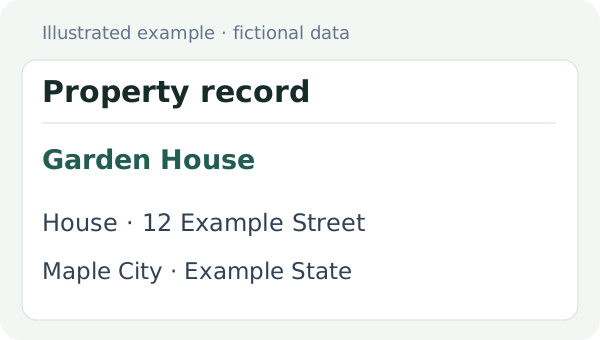
Edit a property name or address. The same property stays linked to its tenant and monthly records below.
Preparing project
02 / The people behind the rent
Change a tenant’s rent or contract dates. The income schedule below is derived from that same saved contract.
03 / Follow the month
Select a year and month to review the schedule. Change an expense amount in place or add a property/category row; the app keeps that same record.
Preparing project
Rent and deposit rows are scheduled amounts, not a bank balance or proof of payment. Deposits are shown separately from rent. Extra income and expenses are recorded monthly.
Amounts use this project’s currency and regional number format.
Continue with this project to open its native Income page. Add more records there and use the normal sign-in transfer when you want an account copy.
Keep names, property types, addresses and notes together.
Review the start and end dates recorded for each tenant.
Enter additional income and expenses by property, category, year and month.
Review recorded totals and the balance for a selected period.
Store contacts, rent and deposit details linked to the property.
Guest data is temporary browser storage. Continue in the app and check the sign-in transfer result before relying on an account copy.
 Crowgrid
We build focused, single-purpose tools that do one thing well. No bloat, no complexity—just clarity and simplicity.
Simple pricing
Pro applies to Rental Tracker. A Crowgrid account also lets you access the other apps under their own plans.
$0.00
3 projects · 25 properties per project
$9.95/ month
$99.50 / year
Unlimited projects and properties
Open Rental TrackerContinue with this project to open its native Income page. Add more records there and use the normal sign-in transfer when you want an account copy.