Make your team's know-how visible.
Bring employees, skills and ratings into one online matrix. See the experience already in your team and give your next development conversation a concrete starting point.
Build a small matrix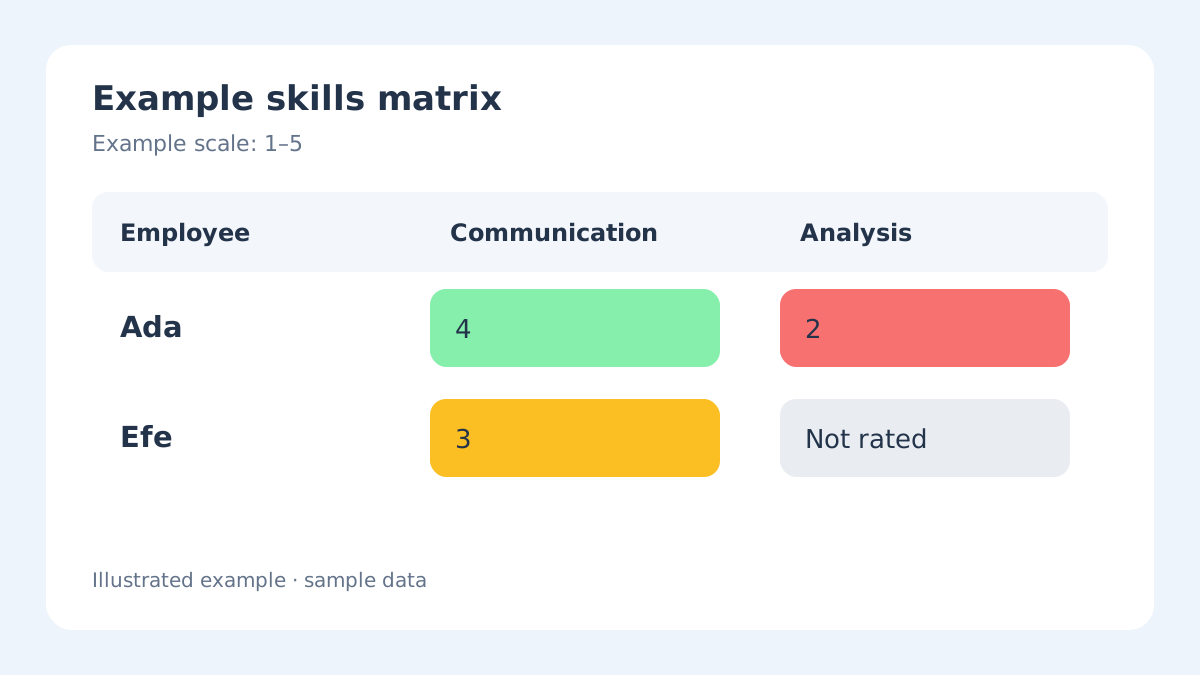
Read across a person. Read down a skill.
A row brings one employee's ratings together. A column helps you compare the same skill across the team. Your scale supplies the labels, points and colors; an unrated cell stays distinct from a recorded score.
Turn the grid into your own team's picture.
Start blank or use the team example below. Define a department and a few skills, then add an employee and record their ratings in the real app form. Continue with the same matrix when you want more room.
…
Choose what matters
Use skills that describe the work your team actually does. Group employees by department to give the matrix a useful context.
Agree on a shared scale
Set meaningful labels and colors before comparing ratings. Add or edit an employee to record each skill rating.
Choose a conversation
Use the recorded picture to discuss coaching, practice or team coverage. Follow training actions in your team's usual process.
A clear starting point for a small team.
Free
For small teams getting started.
$0 forever
- Up to 3 matrices
- Up to 25 employees per matrix
- Unlimited skills
- Heatmap matrix
- Dashboard analysis
Pro
For growing organizations.
$9.95 /month
$99.50 / year
- Unlimited employees
- Unlimited skills
- Heatmap matrix
- Dashboard analysis
Frequently Asked Questions
Can I customize the rating scale?
Yes, you can define your own rating levels with custom names and colors. Default scales are provided to get you started quickly.
Can I add skills after employees are already rated?
Yes, you can add new skills at any time. Existing employees will show as unrated for the new skill until you assign a rating.
What happens if I delete a rating scale item?
Deleting a rating level also clears ratings that use its points. Those employee-skill cells become Not Rated.
How do I keep working after this page?
Continue with this matrix opens the same saved matrix in the app. Guest storage is temporary; check the transfer result and account limits when you sign in.