How to Build a Consistent Competency Rating Scale
A practical framework for choosing competency levels, labels, and colors that managers can apply consistently across a team.
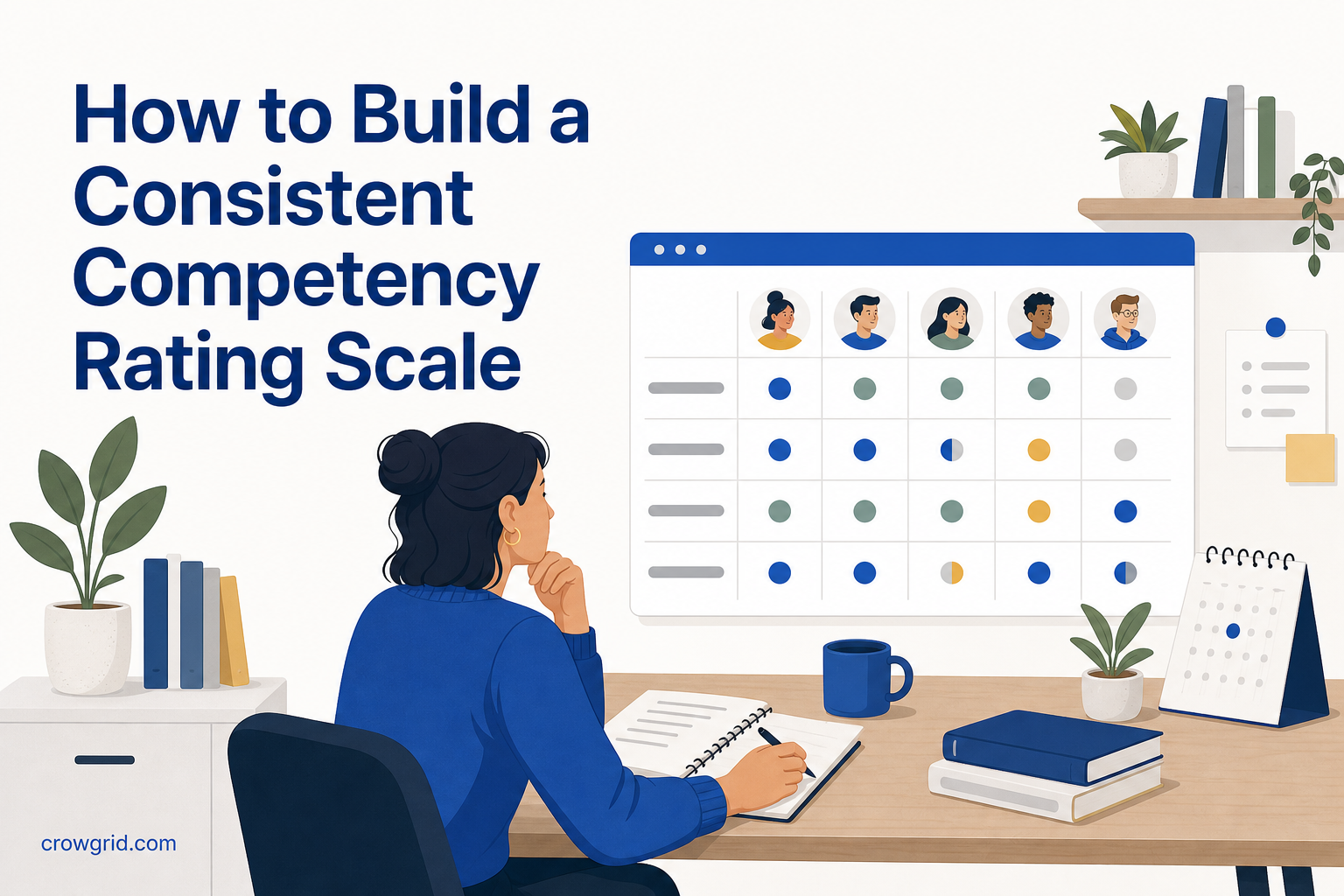
A competency rating scale only works when managers interpret it in the same way. Clear labels, observable criteria, and a simple review process help turn subjective opinions into ratings you can compare across employees, skills, and departments.
Start with the decisions the scale must support
Before choosing labels or colors, decide how you will use the ratings. A skills matrix might support training plans, role development, department analysis, or identifying people with strong competencies.
This purpose affects how detailed your scale needs to be. If you mainly need to distinguish training priorities, three levels may be enough. If managers need to track gradual development, four or five levels may be more useful.
More levels do not automatically produce better information. Each additional level needs a meaningful definition. If managers cannot explain the difference between two adjacent ratings, combine them.
A useful scale should let you answer practical questions:
- Can this person complete the task without help?
- How much guidance do they need?
- Can they handle unusual or complex situations?
- Can they guide other people in this skill?
- Is the rating based on current, observable work?
These questions keep the scale focused on demonstrated competency rather than confidence, seniority, or general performance.
Choose rating levels with distinct meanings
Each level should describe a different degree of independence and capability. Avoid labels that sound precise but leave room for conflicting interpretations, such as “good” and “very good.”
A four-level scale could use definitions like these:
- Beginner: Has limited experience and needs regular instruction.
- Developing: Can complete familiar tasks with some support.
- Proficient: Can work independently in normal situations.
- Expert: Can handle complex cases and guide other people.
Treat these as a starting point rather than a universal standard. The right wording depends on the work being rated. Technical skills, management competencies, and compliance knowledge may need different criteria.
Keep the direction consistent across the scale. If a higher rating means greater competency for one skill, it should mean the same for every other skill. Reversing the meaning for selected competencies makes the matrix harder to read and easier to misinterpret.
Write labels managers can apply
Short labels make a heatmap easier to scan, but the meaning behind each label must still be specific. Give managers a shared definition for every level before they begin rating employees.
Use observable language. “Works independently on standard requests” is easier to apply than “has strong knowledge.” The first statement points to behavior. The second depends heavily on the manager’s personal standard.
You can also set basic rating rules outside the matrix. For example, decide whether ratings should reflect recent work, how to handle skills an employee has not used recently, and what evidence managers should consider. The goal is not to remove judgment entirely. It is to make that judgment more consistent.
Avoid mixing different ideas in one scale. Competency, interest, frequency of use, and business importance are separate measures. Someone may be highly skilled in an area they rarely use, or interested in a skill they have not yet developed.
Step 1: Add employees, departments, and skills
Start by registering team members and assigning each person to a department. Then define the skills and competencies you want to track.
Use skill names that managers will recognize. Broad entries such as “communication” can be difficult to rate because they may cover writing, presentations, feedback, and client conversations. Splitting a broad area into specific competencies can produce more useful results, provided each one matters to your planning.
This is also the point to configure your rating scale. Skills Matrix provides default levels so you can begin immediately, or you can define custom labels and colors that match your organization’s language.
Before rating the full team, check that every scale level has a distinct meaning. Ask two managers to rate a few sample situations independently. If their choices differ, discuss why and revise the definitions before continuing.
Step 2: Rate each employee-skill combination
Assign a rating to each employee for every relevant skill. The heatmap updates in real time as scores are entered, giving you an immediate view of completed and unrated cells.
Apply the same standard regardless of department, job title, or length of service. A “proficient” rating should represent the same level of independence wherever that skill appears. Otherwise, department comparisons will reflect different manager expectations rather than actual competency differences.
Managers should rate what an employee can currently demonstrate, not what their role suggests they ought to know. When evidence is limited, leaving a skill unrated is better than filling the gap with an assumption.
Color supports quick scanning, but it should reinforce the labels rather than replace them. A simple progression such as red for low competency, yellow for moderate competency, and green for high competency makes gaps and strengths visible. Custom colors are available if your scale uses a different convention.
Step 3: Review patterns and plan action
Once ratings are in place, use the dashboard to review individual profiles, department averages, and top talent rankings.
Individual profiles help you see where one employee is strong and where development may be useful. Department averages show team-level competency for each skill, making it easier to compare needs across groups. Aggregate scores also help identify employees with strong results across competencies.
Treat the heatmap as a prompt for decisions, not a final judgment. A red area might indicate a training need, but it could also reflect a skill that is not required in that department. Review each pattern in the context of roles and planned work before assigning training.
Calibration should continue after the first assessment. If one manager consistently rates more strictly than others, revisit the level definitions together. When you find an unclear boundary, improve the wording and apply the revised interpretation consistently in future reviews.
Keep the scale useful over time
A competency scale should remain stable enough for comparison but flexible enough to reflect changing work. Add new skills when responsibilities change. Existing employees will appear as unrated for the new skill until you assign a rating.
Review the scale periodically for common problems:
- Levels that managers rarely or never use
- Adjacent ratings that are difficult to distinguish
- Skills that are too broad to assess consistently
- Labels that describe personality instead of capability
- Colors that do not follow a clear low-to-high pattern
Do not change labels simply to make the matrix look more detailed. Change them when the current wording causes inconsistent decisions or no longer matches how the organization describes competency.
Frequently asked questions
How many rating levels should a competency scale have?
Use only as many levels as managers can distinguish consistently. Three levels can work for a simple overview, while four or five may support more detailed development discussions. Skills Matrix lets you define custom rating levels, labels, and colors.
Can new skills be added after employees have been rated?
Yes. You can add skills at any time. Existing employees will show as unrated for the new skill until a rating is assigned, so previous scores for other skills remain separate.
How are department competency averages calculated?
Skills Matrix averages the individual ratings within a department for each skill. This gives you a team-level view that can help identify shared strengths and areas where upskilling may be needed.
Build a clear scale, test it with managers, and use Skills Matrix to map the results across employees and departments.