How to Find Team Skill Gaps and Prioritize Training
Learn how to rate team competencies, identify meaningful skill gaps, and turn the results into a focused training plan.
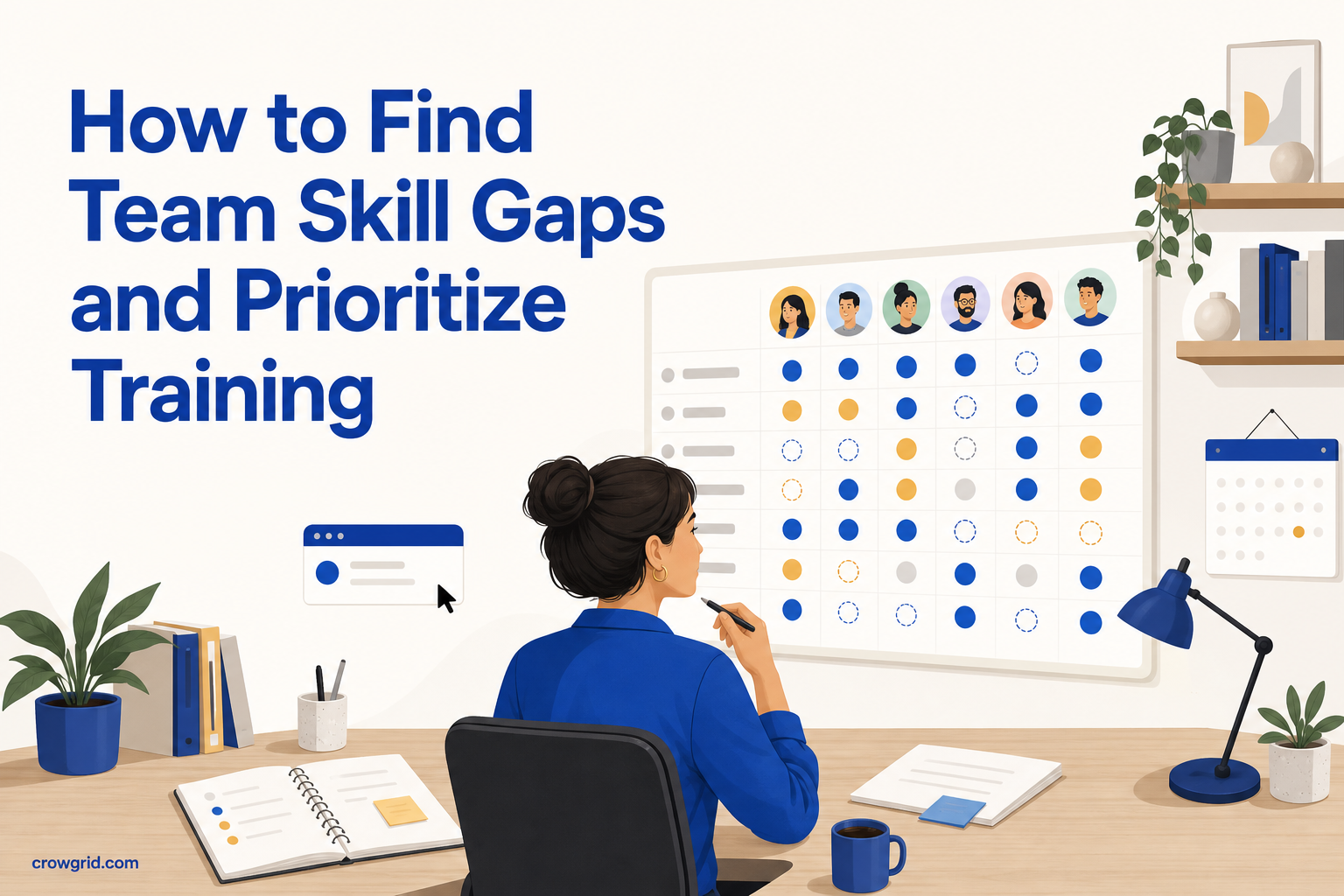
A useful training plan starts with a clear view of what your team can do today. Without that baseline, it is easy to choose courses based on general interest, the loudest request, or an isolated performance issue.
A skills matrix gives you a more consistent way to assess competencies across employees, roles, and departments. You can use the results to find important gaps, recognize existing strengths, and decide where training will have the most practical value.
Start with the decisions you need to make
Before listing every possible skill, define what you want the assessment to help you decide. You might be preparing a department training plan, checking whether a team can support a new responsibility, or identifying employees who could coach others.
This purpose determines the level of detail you need. A department-wide plan may only require a focused set of shared competencies. Development planning for individual employees may need more specific technical or role-based skills.
Write down the questions you want the matrix to answer. For example:
- Which important skills have the lowest ratings across the team?
- Are gaps concentrated in one department or spread across the organization?
- Which employees already have strong ratings in a needed competency?
- Where would training reduce a current operational risk?
- Which gaps matter now, and which can wait?
Keeping these questions visible helps prevent the matrix from becoming a long inventory with no clear use.
Step 1: Add employees and define relevant skills
Start by registering team members and assigning each person to a department. Department data matters because an organization-wide average can hide local gaps. A competency may look healthy overall while one team has few people who can perform it confidently.
Next, define the skills and competencies you want to track. Use specific names that managers and employees will interpret consistently. “Communication” can mean many things, while “present project updates to stakeholders” gives raters a clearer standard.
Include skills that are relevant to current roles or near-term plans. A practical list often combines:
- Core skills required across the organization
- Department-specific competencies
- Role-specific technical knowledge
- Skills connected to planned work or changing responsibilities
- Important competencies where limited coverage creates risk
Avoid adding skills only because they might be useful one day. Too many entries make rating harder and can distract from the gaps that need attention.
Skills Matrix lets you add new skills later. Existing employees remain unrated for that skill until you assign a rating, so your initial list does not need to cover every future need.
Step 2: Rate each employee consistently
Assign a rating to each employee-skill combination. Skills Matrix displays these ratings in a color-coded heatmap, with red, yellow, and green making lower, moderate, and higher competency levels easy to distinguish.
You can define custom rating levels, labels, and colors to match the language your organization already uses. Default rating scales are also provided so you can begin without designing a system from scratch.
Whatever scale you choose, give each level a clear meaning. Labels such as beginner, working knowledge, independent, and expert are more useful when everyone understands the evidence required for each one. For example, an independent rating might mean that the employee can complete normal tasks without help, while an expert rating might include handling unusual cases or guiding colleagues.
Use the same standard across employees. Ratings become less useful when one manager scores confidence, another scores years of experience, and a third scores recent performance. If several managers contribute, agree on brief criteria before filling in the matrix.
Consider ratings as a starting point for discussion rather than a permanent judgment. Competency changes through practice, new responsibilities, and training. The heatmap updates in real time as scores are entered, giving you a current view of completed ratings and remaining blanks.
Step 3: Analyze gaps and choose an action
Once ratings are complete, scan the heatmap for patterns rather than treating every low score as an urgent problem. A red cell only shows that an employee has a lower rating. Whether that rating needs action depends on the person’s role, the importance of the skill, and the coverage available elsewhere.
Start with department averages. Skills Matrix calculates the average of individual ratings within each department for each skill. This helps you distinguish an isolated development need from a broader team gap.
Then review individual competency profiles. An individual view can show whether someone has one specific gap or needs development across several related areas. It can also reveal strengths that are less obvious in the full matrix.
Aggregate scores highlight top-performing employees across competencies. These results can help you see where strong capability already exists. However, a high score alone does not mean someone should automatically become a trainer. Confirm that the person has relevant experience, availability, and an interest in helping others.
Turn the analysis into a short list of priorities. For each gap, record:
- The affected skill and department
- Which roles or employees need the skill
- Why the gap matters
- The current rating and the desired level
- The proposed development action
- When you will review the rating again
Possible actions may include formal training, guided practice, peer support, or assigning work that develops the competency. The right choice depends on the skill and the evidence needed to demonstrate it.
Prioritize gaps by impact, not color alone
A heatmap makes patterns visible, but color should not make the decision for you. Prioritize a gap when the skill is important to current or planned work and the team does not have enough coverage.
A simple prioritization discussion can use three questions:
- How important is this skill to the employee’s role or the department’s work?
- How large is the difference between the current and required level?
- How many people need development, and how much existing coverage is available?
A large gap in a rarely used skill may rank below a moderate gap in a daily responsibility. Likewise, a department average can appear acceptable even if only one employee holds most of the knowledge. Review both averages and individual profiles before choosing an action.
Keep the final training plan focused. A small number of specific priorities is easier to assign, discuss, and reassess than a broad catalogue of low ratings.
Review ratings after development work
A skills matrix is most useful when it reflects current capability. After training or practical development work, review the relevant ratings using the same criteria as the original assessment.
Do not raise a score only because someone attended a course. Look for evidence that the employee can apply the skill at the expected level. Depending on the competency, that evidence might come from completed work, observation, or a discussion with the employee and manager.
Updating the matrix also helps you check whether the chosen action addressed the gap. If ratings remain unchanged, you may need more practice, a different training method, or a clearer definition of the competency.
Frequently asked questions
What does the skills heatmap show?
The heatmap shows employees against skills in a color-coded grid. Red indicates lower competency, yellow indicates moderate competency, and green indicates higher competency. This makes gaps and strengths visible without spreadsheet formulas or manual coloring.
Can we use our own competency scale?
Yes. You can define rating levels with custom names and colors, whether your organization uses beginner-to-expert labels or another scale. Sensible default levels are available if you want to start immediately.
Can we compare skill gaps between departments?
Yes. Employees can be assigned to departments, and the system calculates an average rating for each department and skill. You can use these averages alongside individual profiles to see whether a gap affects one employee or a wider team.
Turn competency ratings into a training plan with Skills Matrix.