How to Handle Overlapping Leave Requests in a Small Team
A practical workflow for handling overlapping vacation requests: check critical coverage, compare dates and balances, apply consistent criteria, and prepare a clear handover.
Two employees request the same week off. Both have enough leave remaining, but they cover the same customer accounts. Approving both could leave a gap; refusing one without a clear reason could make the process feel arbitrary.
The useful question is not simply “How many people will be away?” It is “What work must still happen, and who can cover it?” Here is a practical way to work through overlapping leave requests in a small team.
Start with the work that needs coverage
Before comparing requests, identify the commitments that cannot move: a customer delivery, a payroll run, a support window, or a scheduled site visit.
For each commitment, note:
- The dates or hours when someone must be available.
- The skills or access needed to do the work.
- The primary person and a realistic backup.
- What can wait until the employee returns.
Avoid using a blanket rule such as “only one person off at a time” when the actual constraint is narrower. Two people from different functions may be able to take the same week off. One person away can still create a problem if nobody else can perform a critical task.
Check dates, balances, and existing absences together
Review the requested dates alongside time off that has already been agreed. Check working days and holidays rather than comparing calendar dates alone.
A remaining leave balance answers how much time an employee has available. It does not tell you whether the team has coverage for a particular week. Keep those two questions separate.
Crowgrid’s Employee Leave Tracker brings employee leave balances and an absence calendar into one place. Use the calendar to review recorded absences and the employee view to check the relevant balance. Keep pending requests in your existing request process until a decision has been made; do not treat a calendar entry as a substitute for approval.
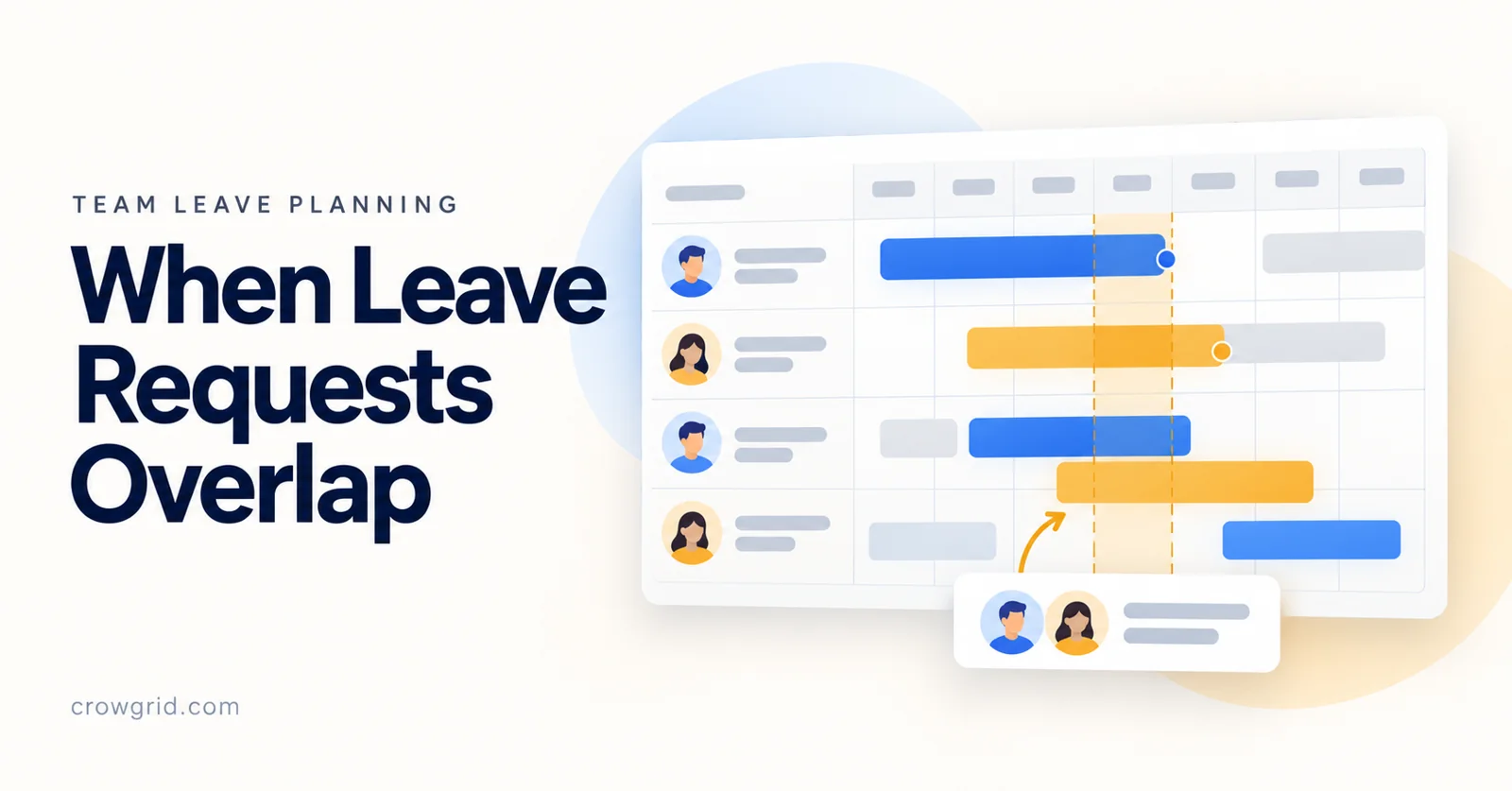
Leave-planning illustration from Crowgrid’s product page.
Use a coverage table to make the conflict concrete
Consider this fictional example. Alex and Sam both request the same Monday-to-Friday period.
| Critical work | Usual owner | Available backup | What needs resolving |
|---|---|---|---|
| Daily customer inbox | Alex | Jordan | Jordan needs the current account notes |
| Wednesday payroll preparation | Sam | None yet | A trained backup must be confirmed |
| Friday supplier follow-up | Alex | Casey | Casey can cover after a short handover |
The issue is not that two employees want leave. It is the uncovered payroll preparation task.
Before declining a request, check whether that specific gap can be resolved. A handover, an earlier preparation deadline, or a suitably trained backup may allow both requests to work. Do not assume a colleague is a backup merely because they will be present.
Apply the same decision criteria
Where a genuine conflict remains, use your organization’s established leave policy and the requirements that apply to the request.
For ordinary discretionary vacation requests, useful operational criteria may include existing approvals, critical coverage, the order requests were received where your policy uses that rule, and how previous peak periods were allocated. These criteria should be known in advance and used consistently.
Ask whether either employee has flexibility without pressuring them to explain private plans. A voluntary shift of one or two days may solve the problem. If neither can change dates, explain the specific coverage constraint and the next available options.
Avoid promising a purely first-come-first-served approach if managers will actually make exceptions. An explicit, consistently applied process is easier to understand than an informal rule that changes with each request.
Confirm the decision and the handover
Once dates are agreed, record the leave under the correct employee and leave type. In Crowgrid, check the calculated duration and remaining balance after entering the record, then review the team calendar again.
A useful handover is short enough to use:
- Work: What must happen during the absence?
- Owner: Who has agreed to cover it?
- Access: Can that person reach the necessary files and systems?
- Escalation: Who decides if an exception occurs?
- Return: What should be reviewed when the employee is back?
Keep the coverage notes in your normal team documentation. Recording leave dates does not by itself assign cover or complete a handover.
Review upcoming overlaps before they become urgent
A short weekly review can catch the next conflict while there is still time to respond. Look ahead far enough to include your team’s important deadlines and upcoming leave.
Ask three questions:
- Is any essential task dependent on someone who will be away?
- Has the proposed backup actually agreed and been prepared?
- Are any unresolved requests getting close to their intended start date?
Repeated conflicts around the same person or task are also useful information. They may point to a training gap or a dependency that deserves attention beyond the leave calendar.
Frequently asked questions
Should overlapping leave requests always be rejected?
No. An overlap is a prompt to check coverage. If the necessary work can be handled without unreasonable pressure on the remaining team, the dates may be workable.
Is checking leave balances enough?
No. Balances and availability answer different questions. Review both the employee’s remaining allowance and the team’s commitments during the requested period.
What if no backup can cover an essential task?
For discretionary vacation, discuss workable dates through your established process and explain the constraint clearly. Separately, address the dependency so that the same task does not repeatedly prevent time off.
To review balances and recorded absences together, open the Employee Leave Tracker.