Make Time for Deep Work Around Meetings
Use timelines, categories, and color-coded time blocks to protect focused work from meetings, admin, and other fragmented commitments.
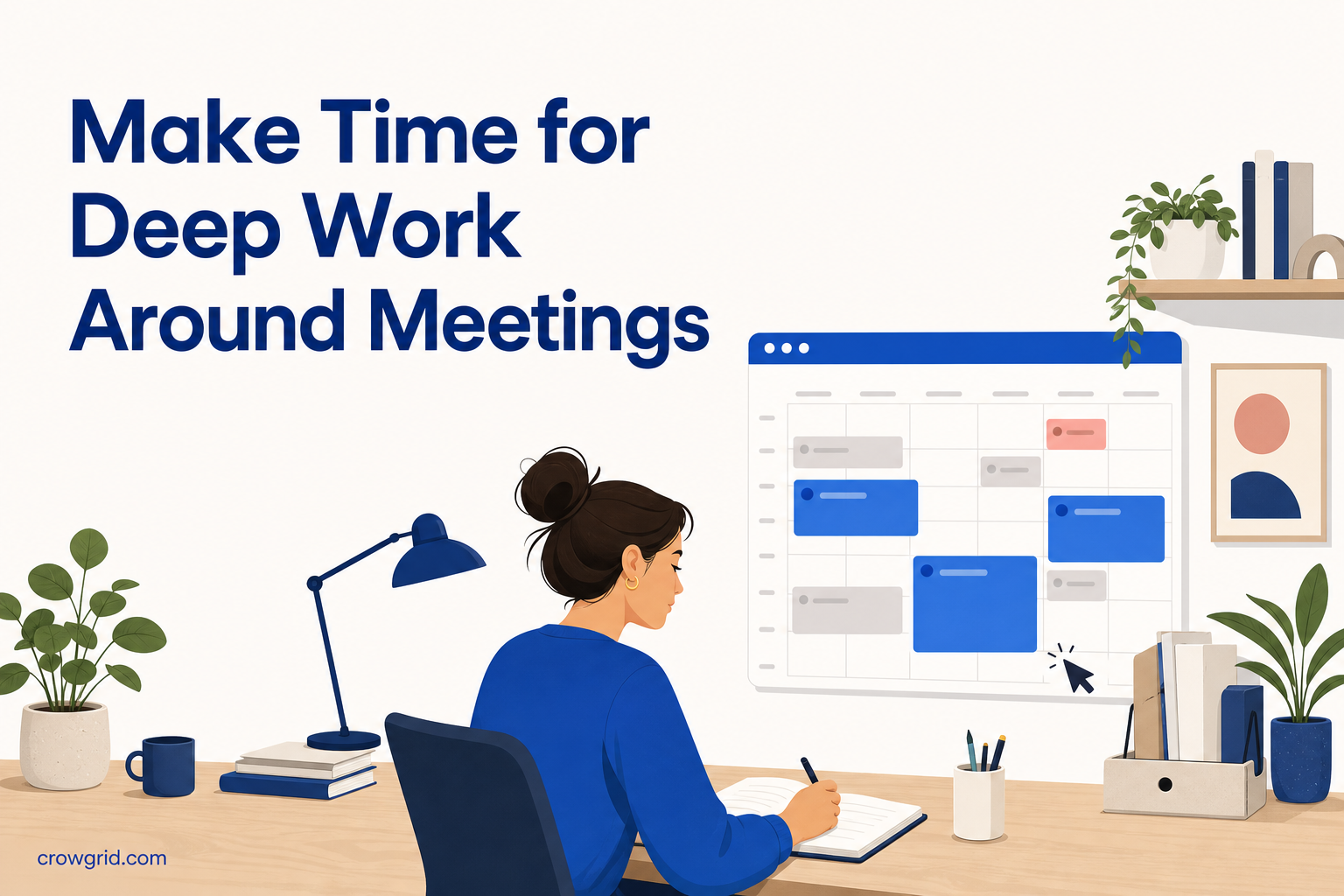
A fragmented calendar can make a full day feel surprisingly unproductive. Meetings divide your attention, small admin tasks fill the gaps, and focused work gets pushed to whatever time remains. Time blocking helps you reverse that order by assigning space to important work before the day becomes crowded.
The goal is not to schedule every minute. It is to make the trade-offs visible, protect realistic periods for concentration, and keep routine work from taking over your calendar.
Start with a few clear categories
Categories make your schedule easier to read. Instead of seeing a collection of unrelated events, you can quickly identify how much time is reserved for focused work, meetings, administration, and personal commitments.
A practical starting set is:
- Deep Work for tasks that require sustained concentration
- Meetings for calls, reviews, and collaborative sessions
- Admin for email, expenses, planning, and routine updates
- Personal for appointments, breaks, and commitments outside work
Keep the list short enough to remain useful. If you create a category for every project or task, the calendar becomes harder to scan. Use timelines to separate major areas of your life, then use categories to describe the type of work inside each timeline.
Assign a distinct color to each category. The exact colors matter less than using them consistently. When Deep Work always has the same color, you can see whether it has enough space without reading every event title.
Step 1: Create timelines for separate areas
Begin by creating timelines for the main parts of your schedule. You might have one for work, one for personal commitments, and another for a specific project that needs its own plan.
Separate timelines give you two useful perspectives. You can focus on one area when planning its details, then look across your schedule to see how everything fits together. Each timeline has its own color-coded view, making it easier to distinguish work from personal time or one project from another.
Avoid creating too many timelines at the start. A timeline should represent a meaningful area that you expect to review separately. Individual tasks usually belong as time blocks within a timeline rather than as timelines of their own.
Once the structure is in place, check for fixed commitments. Meetings, appointments, and deadlines form the boundaries around which you can plan focused work.
Step 2: Add deep work before filling the gaps
Create time blocks with start and end times for your known commitments. Assign each event a category and add a description or notes when you need more context. Recurring events can be used for commitments that repeat across your timelines.
Then add Deep Work blocks. Do this before assigning every open period to admin. Focused work usually needs a longer, uninterrupted window, while many administrative tasks can fit into shorter gaps.
Choose a block length based on the work you intend to complete, not on an idealized schedule. A realistic 60-minute block is more useful than a three-hour block that is repeatedly interrupted. Give the event a specific description, such as “Draft project proposal” or “Review research notes,” rather than simply naming it “Focus.”
When adding blocks, use the daily view to inspect your schedule hour by hour. It can help you identify:
- Gaps that are large enough for focused work
- Overlaps between events
- Meetings that divide an otherwise useful work period
- Small openings better suited to email or admin
You can create, edit, move, and delete blocks as plans change. The schedule is a working plan, not a fixed record you must follow regardless of new information.
Step 3: Review the week and month
A daily plan can look reasonable while the full week is overloaded. Switch to the weekly overview to see how your commitments are distributed and whether Deep Work appears often enough.
Look for patterns rather than trying to perfect every day. If meetings occupy most mornings, afternoons may be the more reliable place for concentration. If admin blocks are scattered throughout the week, combining some of them may leave larger periods available for project work.
The monthly calendar provides a broader view across several weeks. Use it to notice busy periods, recurring commitments, and weeks where project work may be crowded out. This is particularly useful when you are balancing regular responsibilities with a specific project timeline.
Color coding makes this review faster. A week filled with Meeting and Admin colors but very little Deep Work is a clear sign that focused tasks need deliberate space. You can then move flexible blocks, reduce an over-commitment, or reserve time before accepting more work.
Plan around the shape of your attention
Not every open calendar slot is equally valuable. A 30-minute gap between calls may work for an admin task, but it may not be enough time to settle into demanding work. Treat different types of time differently.
Reserve your best uninterrupted periods for tasks that need concentration. Put email, scheduling, and routine updates into shorter openings where possible. If you have control over meeting times, group meetings more closely so they do not divide several potential focus periods.
You should also leave some unassigned time. A calendar with no breathing room is vulnerable to one late meeting or unexpected task. Open space gives you somewhere to move work without immediately creating a conflict.
Use the calendar as a decision tool
Time blocking is most useful when it shows what cannot fit. If a week contains more work than available time, changing colors will not solve the problem. The visual plan gives you a concrete basis for deciding what to move, shorten, postpone, or remove.
Review your blocks at a regular interval. During that review:
- Check whether Deep Work blocks were long enough
- Compare planned time with the work you actually completed
- Move unfinished tasks rather than letting them disappear
- Look for recurring conflicts or overloaded days
- Adjust categories if they no longer help you read the calendar
The aim is not perfect prediction. It is a schedule that makes your priorities and constraints visible before reactive work claims the available time.
Frequently asked questions
What is time blocking?
Time blocking is a planning method where you divide your day into periods dedicated to specific tasks or categories of work. Instead of working from a list alone, you decide when the work will happen and how much time it should receive.
Can I keep work and personal schedules separate?
Yes. You can create multiple timelines for work, personal life, individual projects, or other groupings. Each timeline has its own color-coded view, and you can use daily, weekly, and monthly views to review your blocks.
Can I schedule recurring deep work or admin blocks?
Yes. Recurring events are supported, so you can plan repeating blocks across your timelines. You can assign categories, set start and end times, and add descriptions or notes to each event.
Protecting focused work starts with making it visible. Use the Time Blocking Planner to map your commitments, identify conflicts, and reserve time for the work that matters.