Quarterly Skills Review Workflow for Managers
A repeatable quarterly process for updating skill ratings, reviewing team gaps, identifying top talent, and setting training priorities.
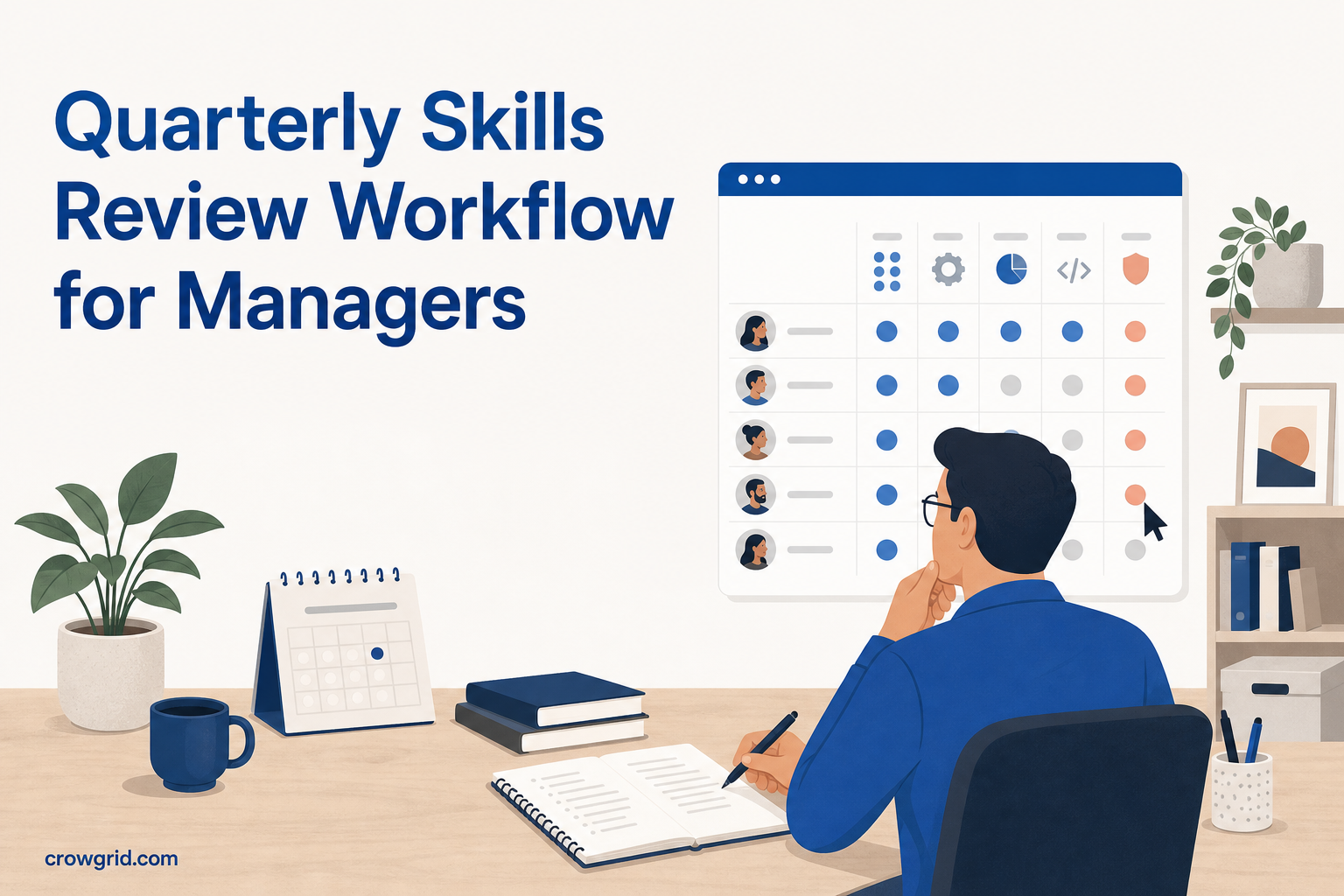
A quarterly skills review gives you a regular point to check what your team can do, where coverage is thin, and which development needs should come first. The process does not need to become a large performance review exercise. With a clear rating scale and a shared skills matrix, you can complete each review using the same practical steps.
Why use a quarterly review cycle
Skills data becomes less useful when it is updated only during annual reviews. People take on new responsibilities, complete training, and gain experience throughout the year. Team structures and business priorities can also change.
A quarterly cycle is frequent enough to capture those changes without asking managers to maintain ratings every week. It creates a regular checkpoint for:
- Updating employee competency ratings
- Reviewing gaps by department
- Finding employees with strong overall scores
- Agreeing on training priorities
- Adding new skills when roles or requirements change
Treat the matrix as a planning aid rather than a final judgment. Ratings should help you ask better questions about staffing, development, and knowledge coverage.
Prepare before the review
Set a review date and ask managers to gather relevant information in advance. This might include recent project work, completed training, examples of independent work, and feedback already collected through your normal management process.
Check that your rating scale still matches the language used across the organization. Skills Matrix provides default levels, but you can define custom labels and colors. For example, you might use beginner, working knowledge, proficient, and expert.
Write a short definition for each level outside the matrix if managers need more guidance. Clear definitions reduce the chance that one manager treats “proficient” as independent delivery while another treats it as basic familiarity.
Step 1: Review employees, departments, and skills
Start by checking the structure of the matrix. Add new employees, confirm department assignments, and remove any skills that are no longer relevant to your review process.
Then inspect the skills list. It should reflect the capabilities you need to make decisions about training and team coverage. Avoid adding several skills that describe nearly the same thing. A smaller set of clearly defined competencies is easier for managers to rate consistently.
You can add a skill even after employees have existing ratings. Current employees will appear as unrated for that new skill until you assess them. This lets the matrix change as roles and requirements develop.
Use this preparation check:
- Every current employee is included
- Each employee has the correct department
- Skill names are clear and specific
- New priority skills have been added
- The rating scale uses agreed labels and colors
Step 2: Update competency ratings
Work through each employee-skill combination and assign the most appropriate rating. The heatmap updates in real time as scores are entered, so low, moderate, and high competency levels become visible through the color-coded grid.
Base changes on recent evidence rather than general impressions. If a rating moves up, identify what the employee can now do that they could not do at the previous review. If a rating moves down, check whether the person’s ability changed or whether the team is applying the scale more strictly.
Do not force a rating when there is not enough information. An unrated cell is more useful than an unsupported score because it shows where another assessment or conversation is needed.
Before finishing this step, scan each employee’s row for unexpected results. A surprising gap may be valid, but it may also indicate a missed update or inconsistent interpretation of the scale.
Step 3: Analyze results and choose actions
Once ratings are current, move from individual scores to team-level patterns. Skills Matrix calculates department averages for each competency, helping you compare where knowledge is established and where a department may need further development.
Look for three types of finding:
- Shared gaps: Several employees or a whole department have low ratings in a skill that matters to their work.
- Concentrated knowledge: One or two people hold the strongest ratings in an important area, creating limited coverage.
- Existing strength: Employees with high aggregate scores or strong individual profiles may be able to take on more advanced work or support colleagues.
Use individual profiles to examine strengths and development areas in more detail. Top talent rankings can also help you find employees with the highest overall competency scores, but check the underlying skill profile before making a decision. A high aggregate score does not mean every skill is equally relevant to a particular role.
Turn each important finding into a specific next step. That could mean arranging training, assigning practice work, pairing colleagues for knowledge sharing, or gathering more evidence before the next rating change.
Run a focused review meeting
The matrix gives managers a shared view, but the meeting should concentrate on decisions rather than reading every cell aloud. Start with department-level gaps, then examine the individual profiles connected to those gaps.
For each priority, agree on:
- The skill that needs attention
- The employees or department affected
- The current rating or pattern
- The desired development outcome
- The action to take before the next review
- The person responsible for following up
Keep the list manageable. If every low score becomes an immediate training priority, the review will not provide much direction. Focus first on skills that matter to current responsibilities, planned work, or team coverage.
Keep a simple quarterly record
After the meeting, document the date, participants, main findings, and agreed actions in your normal review notes. Skills Matrix holds the current ratings and visual analysis; your notes can capture the reasoning behind training priorities and any follow-up commitments.
At the next quarterly review, begin with the previous action list. Check whether training or practice happened, whether there is evidence of improvement, and whether the rating should change.
A repeatable record can use five fields:
- Skill or competency
- Employee or department
- Current gap or strength
- Agreed action
- Review date
Using the same format each quarter makes it easier to separate completed actions from priorities that still need attention.
Frequently asked questions
Can we change the rating scale for our review process?
Yes. You can define custom rating levels with your own names and colors. Skills Matrix also provides default levels so you can begin without creating a scale from scratch. Agree on what each level means before managers start rating employees.
How are department averages calculated?
The system averages individual employee ratings within a department for each skill. This gives you a department-level view of competency and helps you identify team-wide strengths or development needs.
What happens when we add a new skill?
You can add skills at any time. Existing employees will show as unrated for the new skill until a rating is assigned. The matrix grows as you add skills, with no set limit on how many you can define.
Use Skills Matrix to run the same review cycle each quarter and keep team development priorities visible.