What to Track in an Employee Skills Matrix
Choose role-specific and shared competencies that help you identify skill gaps, compare departments, and plan useful training.
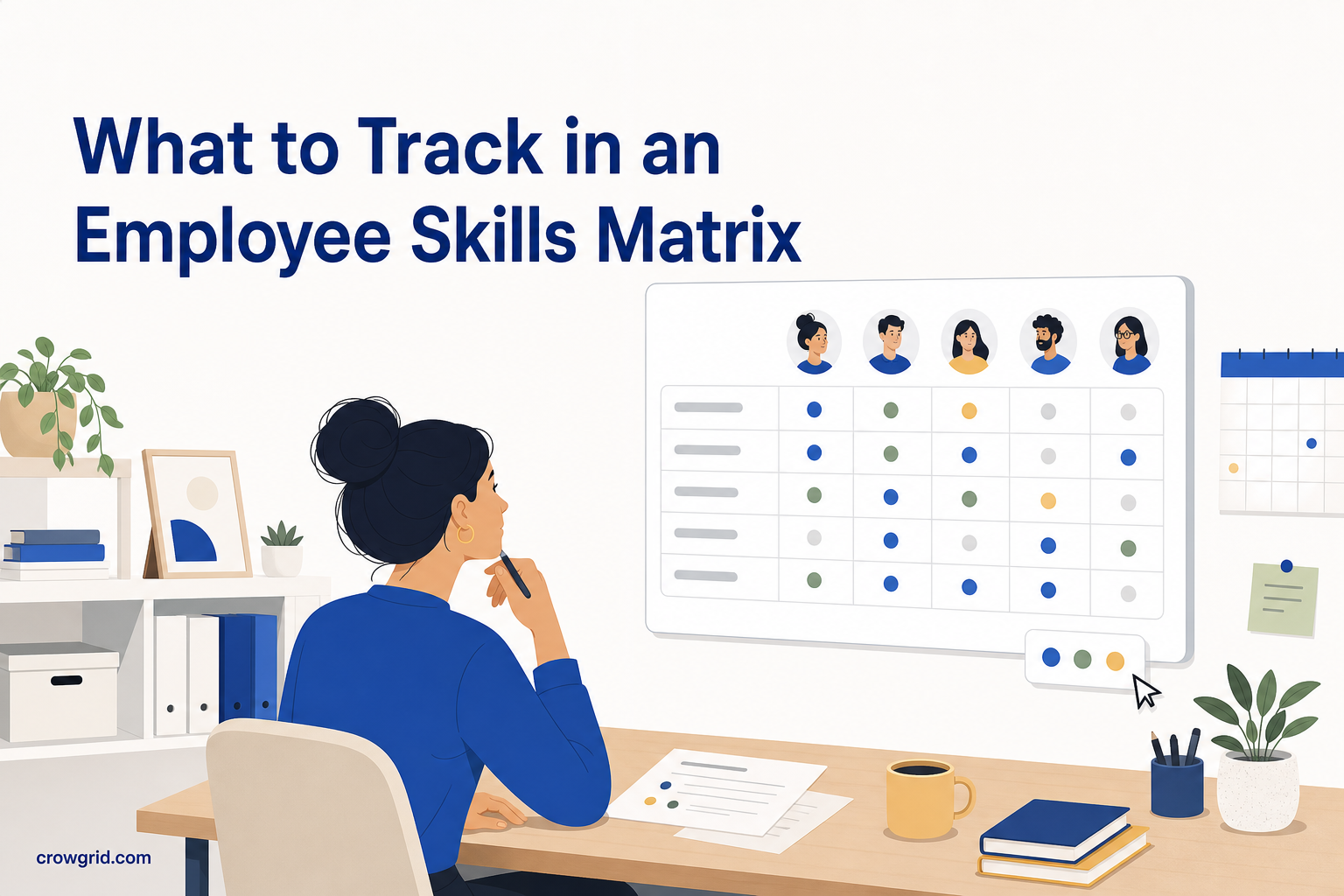
A useful skills matrix does not list everything an employee could know. It tracks the competencies you need for staffing, development, and training decisions. The challenge is choosing enough detail to expose gaps without creating a matrix that nobody wants to maintain.
Start with the decisions you need to make
Before adding skills, write down the questions the matrix should answer. This keeps the list tied to real work rather than broad ideas about employee capability.
Your questions might include:
- Can each department cover its essential responsibilities?
- Which employees are ready to take on more advanced work?
- Where does a team depend too heavily on one person?
- Which training topics would address a measurable gap?
- Who could support or mentor colleagues in a particular skill?
A skill belongs in the matrix when its rating could affect one of these decisions. If you cannot explain what you would do with the result, leave it out for now.
Separate shared skills from role-specific skills
Most matrices need a mix of competencies. Department-wide skills show whether a group can work consistently, while role-specific skills capture the specialist knowledge needed for particular responsibilities.
Shared skills might include common processes, required tools, regulatory knowledge, or communication practices used across a department. For example, everyone in a customer support department may need product knowledge and ticket documentation skills.
Role-specific skills should be more precise. A support team lead might need coaching and workload planning, while a technical support specialist might need diagnostic or configuration knowledge.
Avoid rating every employee against every specialist skill. An irrelevant low rating can look like a gap even when the employee does not need that competency. Track a skill only for the people or roles expected to use it.
Define skills that can be rated consistently
Broad labels produce inconsistent scores. A skill such as “leadership” can mean planning, coaching, decision-making, delegation, or handling conflict. Different managers may rate the same person against different interpretations.
Use specific, observable competency names instead. Replace “communication” with items such as “client presentation,” “written handover,” or “incident escalation.” Replace “technical ability” with the actual tools, methods, or procedures required by the role.
Each skill should be:
- Relevant to current or planned work
- Specific enough for two reviewers to interpret similarly
- Observable through work, assessment, or evidence
- Distinct from other skills in the matrix
- Useful for a staffing or development decision
You do not need to capture every task in a job description. Choose the capabilities that distinguish basic coverage from dependable or advanced performance.
Step 1: Add employees and a focused skill list
Start by registering employees and assigning each person to a department. Then define the skills and competencies you want to track.
A practical first version might include a small set of shared department skills plus the most important competencies for each role. This gives you enough coverage to test whether the categories are useful before adding more.
Create departments around groups you genuinely want to compare. Department grouping is useful because Skills Matrix calculates competency averages for each department. Clear groupings help you see where knowledge is concentrated and which teams may need upskilling.
Review the initial list with the managers who understand the work. Ask which skills affect quality, risk, delivery, or coverage. Remove duplicate labels and split any competency that combines several unrelated abilities.
Step 2: Rate competencies with clear definitions
Once the structure is ready, assign a rating to each employee-skill combination. The heatmap updates in real time as ratings are entered, using colors to make low, moderate, and high competency levels visible.
Skills Matrix provides default rating levels, but you can define custom labels and colors. Use language that already makes sense in your organization, such as beginner, working knowledge, independent, and expert.
The label alone is not enough. Write an internal definition for each level so managers apply it consistently. For example, “independent” might mean the employee can complete standard work without supervision, while “expert” might mean they can handle unusual cases and guide others.
Base ratings on evidence where possible. Recent work, completed assessments, observed tasks, and demonstrated outcomes are more useful than confidence or job tenure alone. If there is not enough evidence, leave the skill unrated rather than guessing.
Step 3: Analyze gaps and decide what to do
Use the dashboard to review the heatmap, individual profiles, department averages, and top talent rankings. The color-coded matrix helps you find patterns that are difficult to notice in a list of ratings.
Look for gaps that matter operationally. A single low score may indicate an individual development need. Low scores across a department may point to a shared training requirement. A high score held by only one person may reveal a coverage risk if that person is unavailable.
Individual profiles let you examine an employee’s strengths, weaknesses, and development areas. Aggregate scores can also highlight your highest-performing employees across the competencies being tracked. Use these results as a starting point for discussion, not as a substitute for context about someone’s role and responsibilities.
Turn each important finding into a specific action. That could mean arranging training, pairing colleagues for knowledge transfer, changing work allocation, or checking progress again after a set period.
Keep the matrix useful over time
A skills matrix should change when roles, tools, or responsibilities change. Review the skill list periodically and remove items that no longer affect decisions.
Be cautious about adding a skill simply because it sounds valuable. First decide who needs it, what each rating means, and what action a gap would trigger. Skills Matrix lets you add new skills at any time, so you do not need to anticipate every future requirement in the first version.
When you add a new skill, existing employees appear as unrated until you assess them. This makes it possible to expand the matrix without assigning assumed scores.
Also watch for overlapping competencies. If two skills consistently receive the same ratings and lead to the same action, consider combining them. If one broad skill hides different performance levels, split it into clearer parts.
Frequently asked questions
How many skills should an employee matrix include?
There is no fixed limit in Skills Matrix; the matrix grows as you add skills. In practice, begin with the competencies needed for current staffing, training, and coverage decisions. Add more only when you can define and use the ratings consistently.
Can departments use different types of competencies?
Yes. You can define organization-wide, department-wide, and role-specific skills in the same matrix. Assign employees to departments so you can review averaged competency scores for each group. Avoid treating specialist skills as requirements for employees whose roles do not use them.
Can the rating scale match our existing terminology?
Yes. You can create custom rating levels with your own names and colors. Default levels are available so you can start immediately. Rating scale items that are already in use cannot be deleted, which protects the existing rating data.
A focused matrix is easier to rate, review, and act on. Build your first competency map with Skills Matrix.